
Android
Google Play
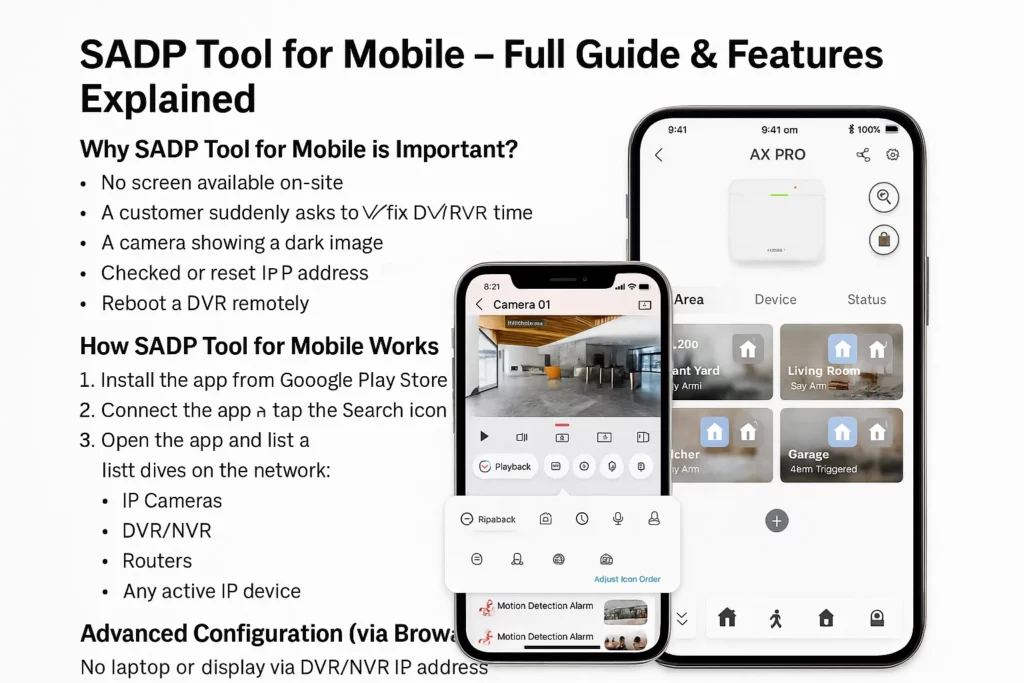
Hik-Partner Pro for networks you join with your phone.
Official store installs
Discover Hikvision devices on the customer LAN, review IPs and status, then open the web UI for full setup. Desktop SADP stays on Windows & Mac.
Not a 1:1 “SADP phone clone”—Hik-Partner Pro is the official mobile path for installers; use desktop SADP for HiTools-style workflows.
Links go to Google Play, Apple App Store, and Hikvision’s app hub—not random APK sites.
In the field
What you might see while commissioning—screens vary by app version and device.
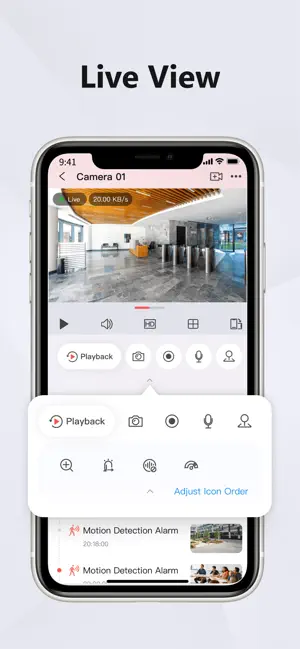
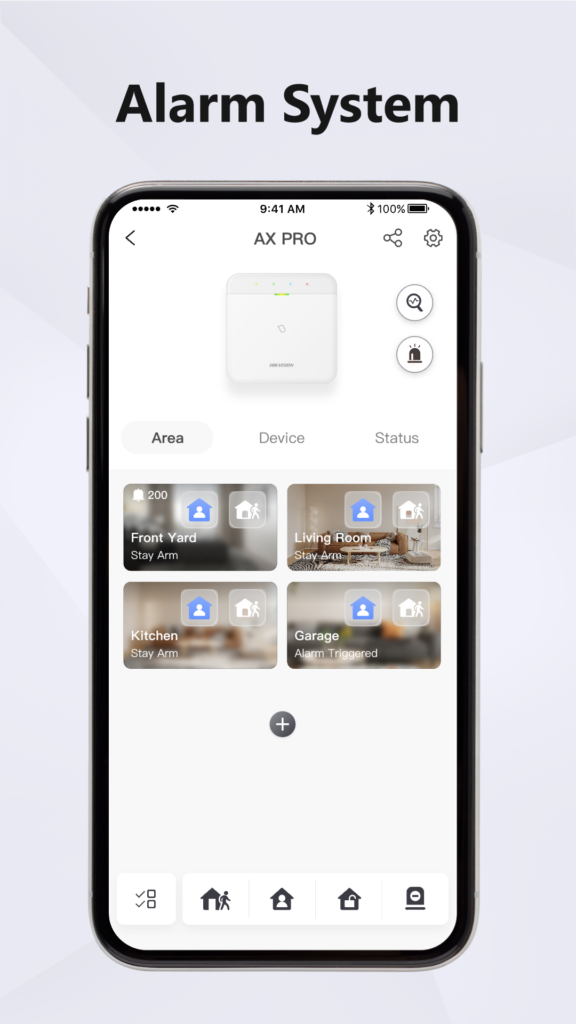
Choose the right tool
Full utility on Windows and Mac: discovery, activation, network edits, supported password workflows.
Get desktop SADPOn-site discovery on the same Wi‑Fi / LAN. Deep menus often in the device browser.
End users: Hik-Connect · Installers: Hik-Partner Pro (confirm for your region).
Get the app
Publisher on Play should be Hikvision. Avoid sideloaded “SADP APK” files from unknown sites.
Android
Hik-Partner Pro for networks you join with your phone.
iOS
iPhone and iPad where supported. Partner eligibility varies by region.
On the job
No monitor or laptop
Quick checks when the van is far away.
See IPs & status
Confirm addresses and reachability on the LAN.
Reboot & basics
Actions depend on firmware—use what the app exposes.
Time & network hints
Some builds expose date/time or NIC hints.
Then open the web UI
Full menus in Chrome or Safari on the device IP.
Pair with desktop SADP
Use HiTools SADP when you need the full PC tool.
Workflow
Install Hik-Partner Pro from the buttons above—never unknown APK sites.
Join the customer Wi‑Fi or the VLAN where cameras and NVR are reachable.
Use search / discovery in the app (labels vary by version).
Pick a device to view model, IP, ports, and status where shown.
For recording, users, or deep security, open the device IP in your phone browser.
Depends on device and firmware.
Open Chrome or Safari to the recorder IP. Sign in, then use recording, users, maintenance, and security menus.
Help
Install from official stores, join the LAN, then open device IPs in your browser for full menus.